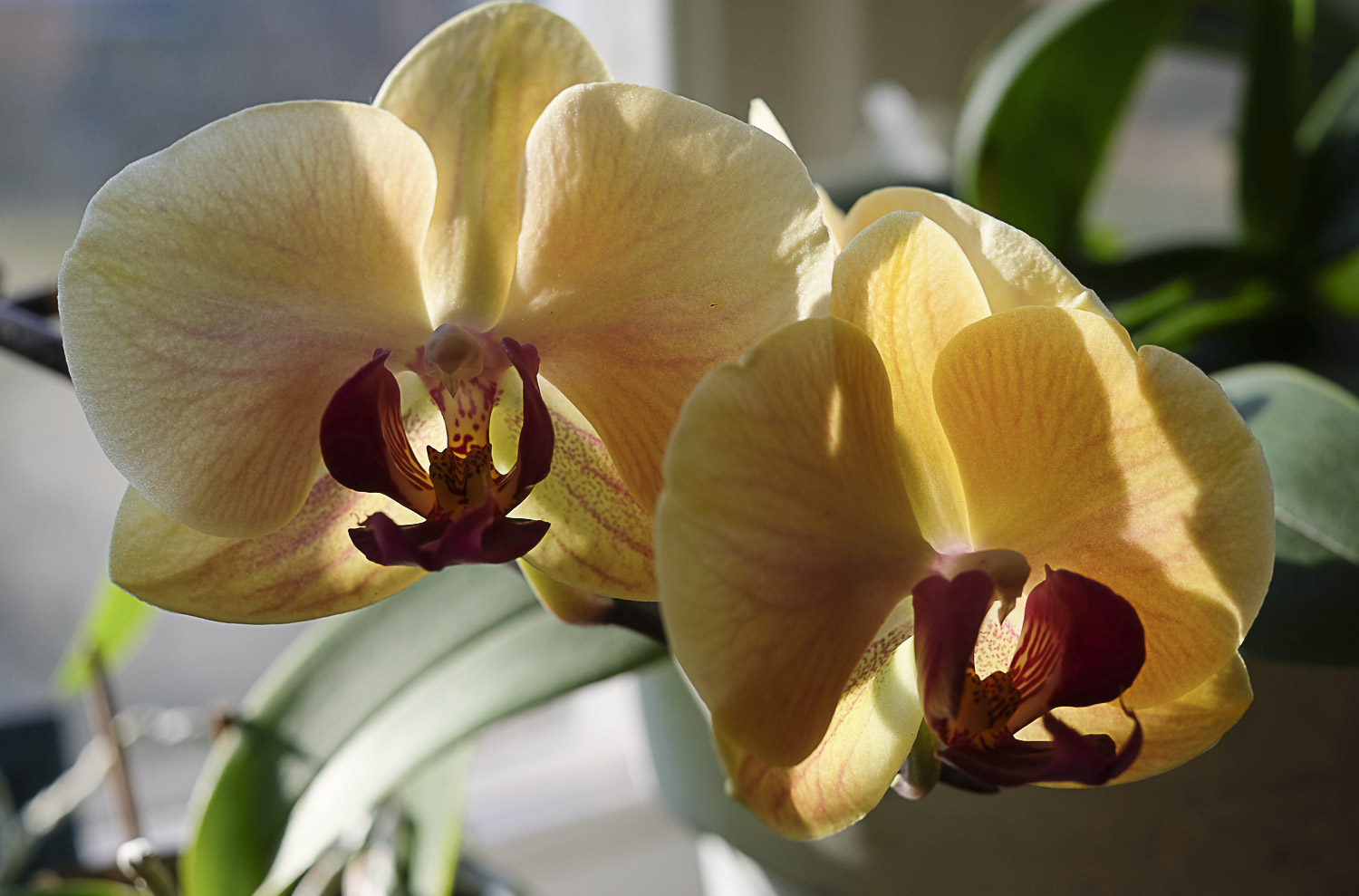
Silent Sunday
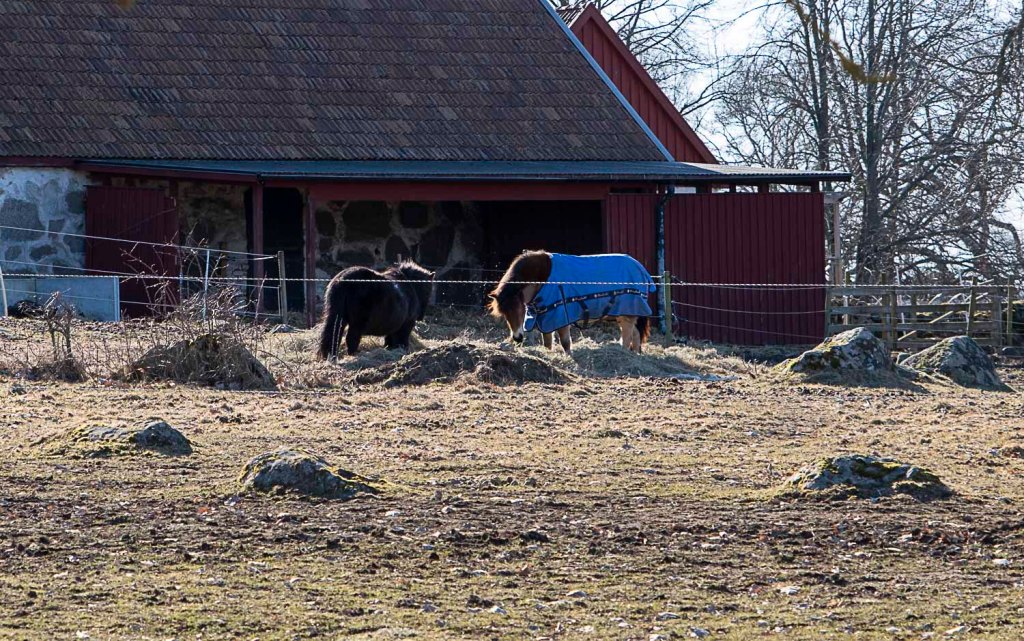
BUFFET

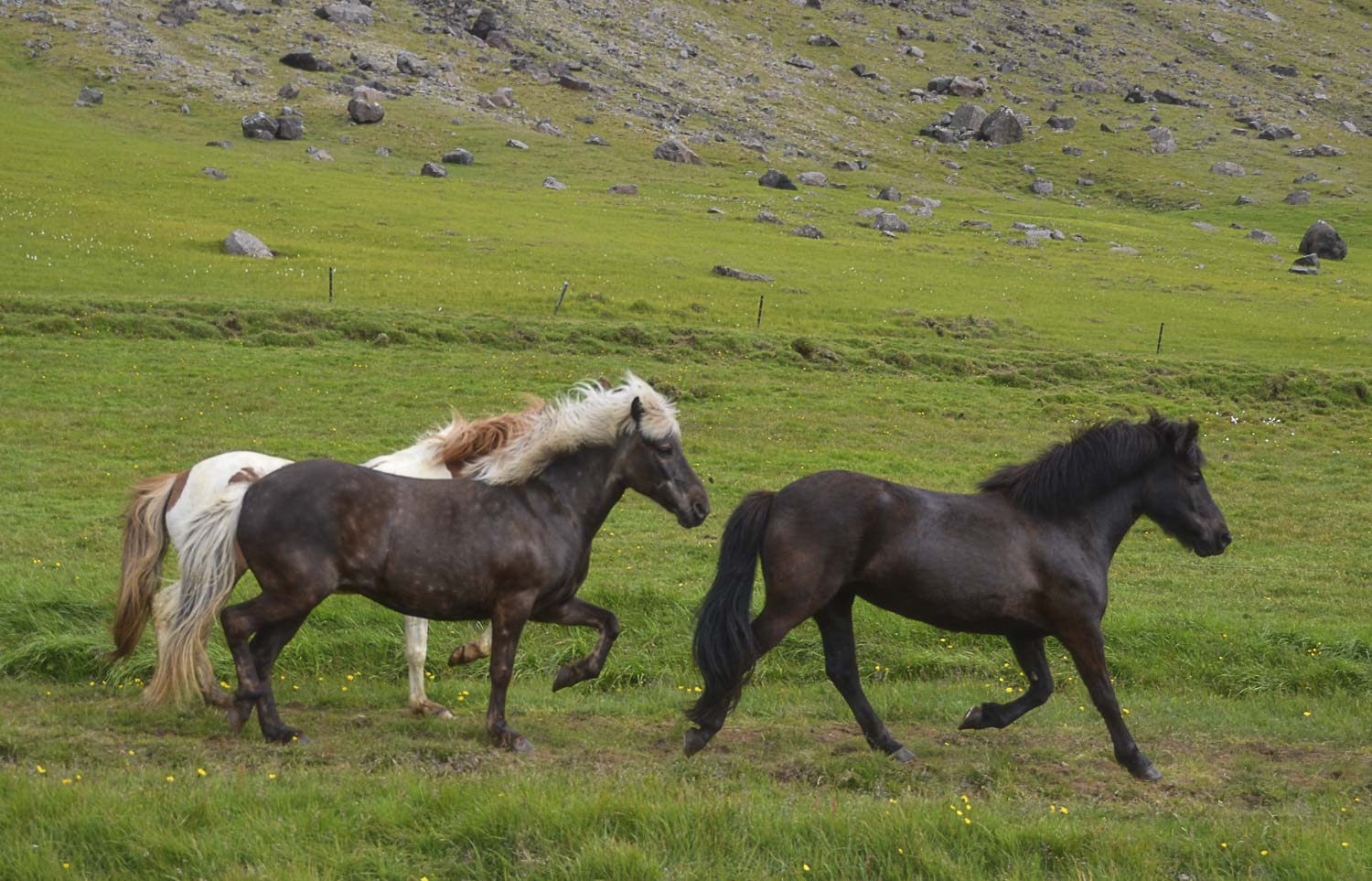
EQUINE
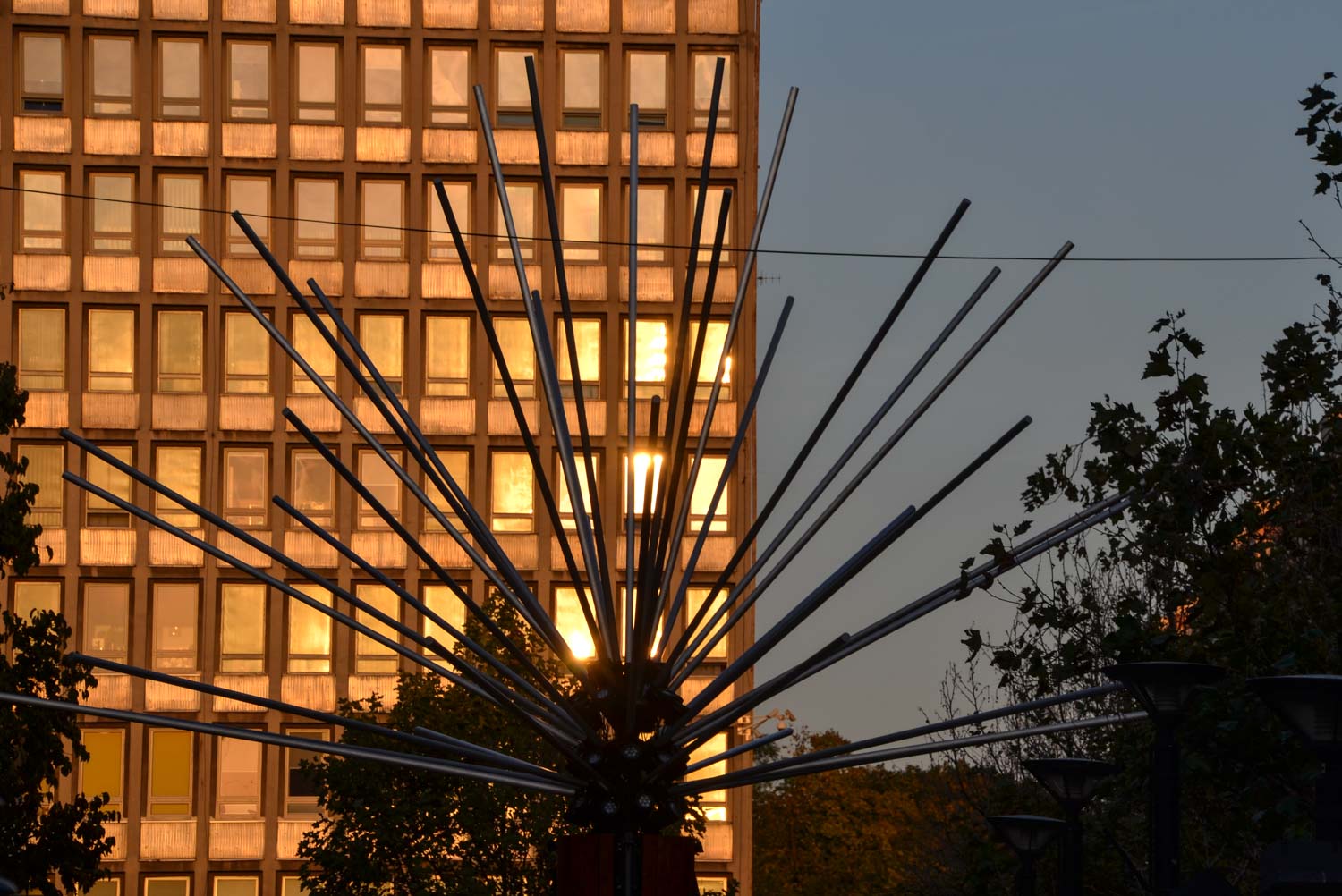
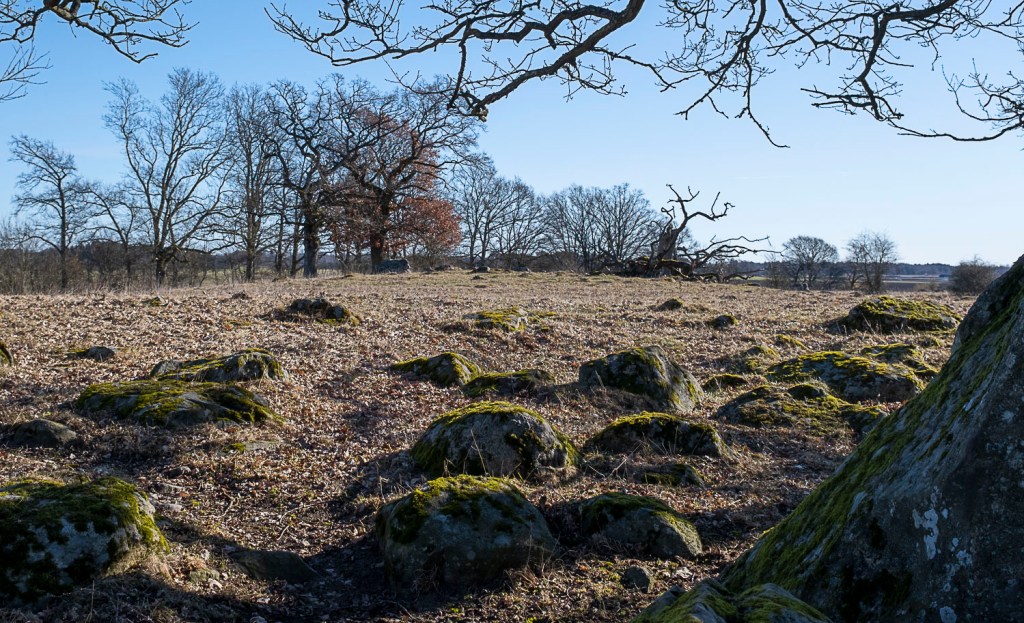
GLEAMING
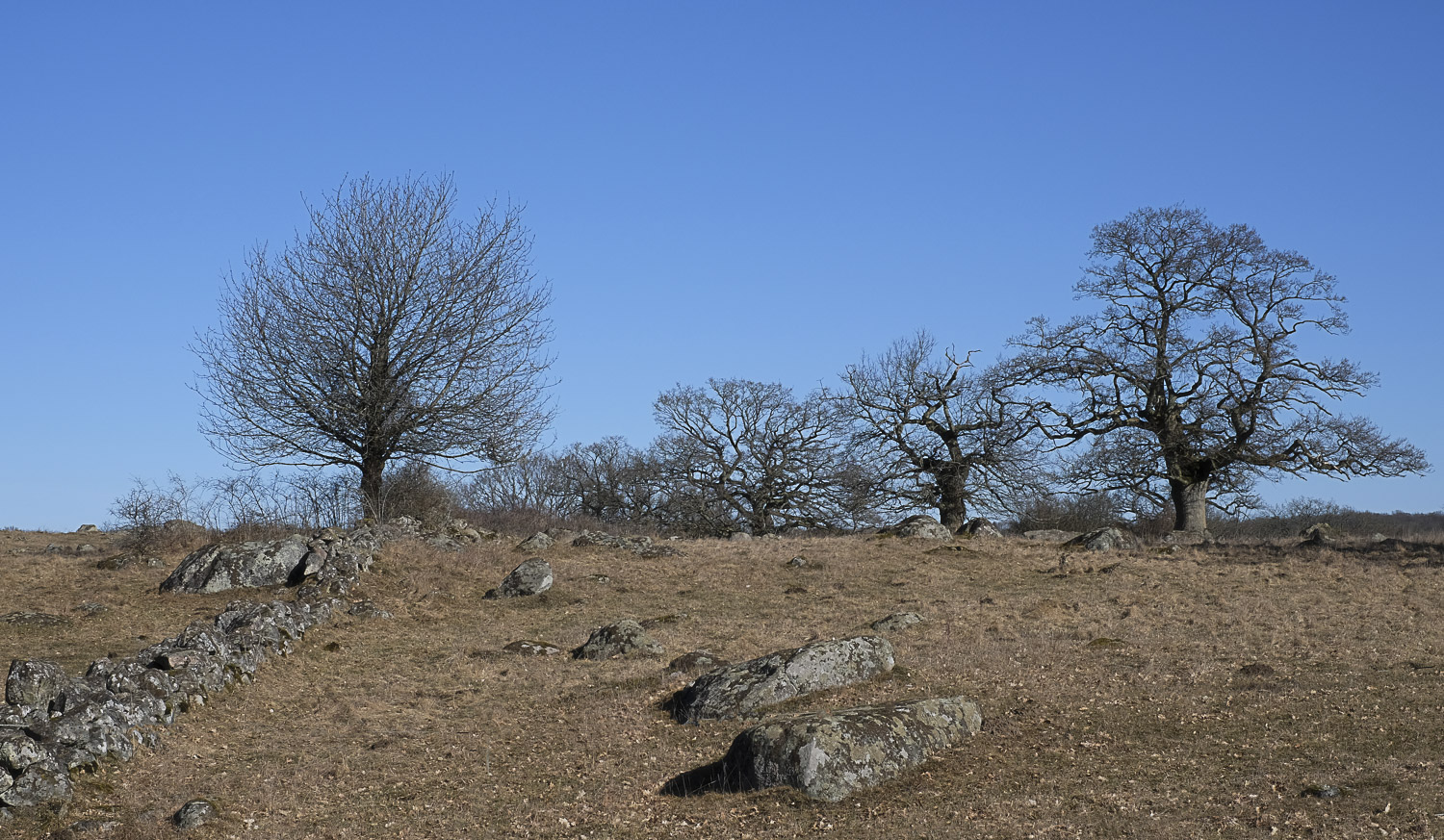
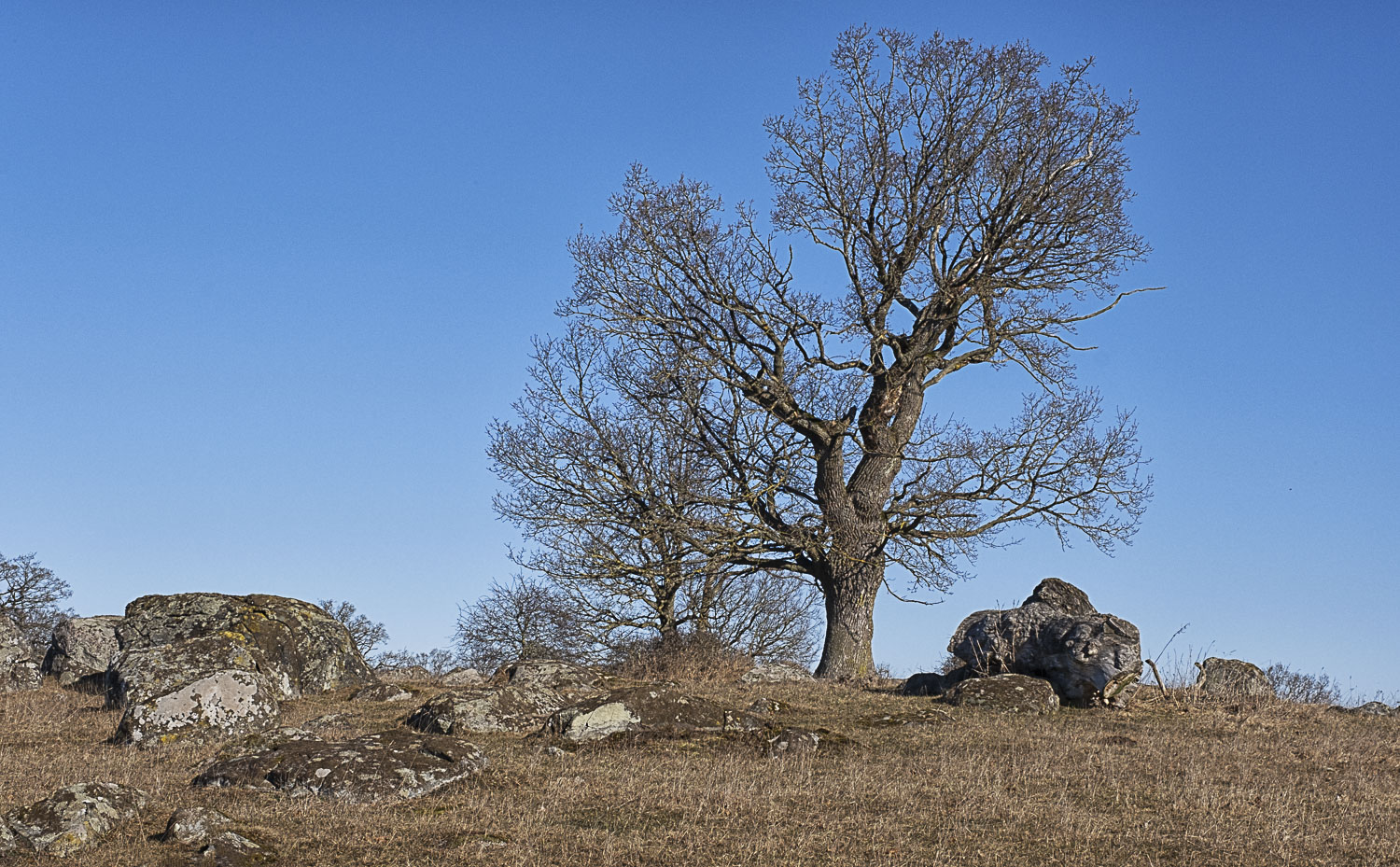
JAGGED
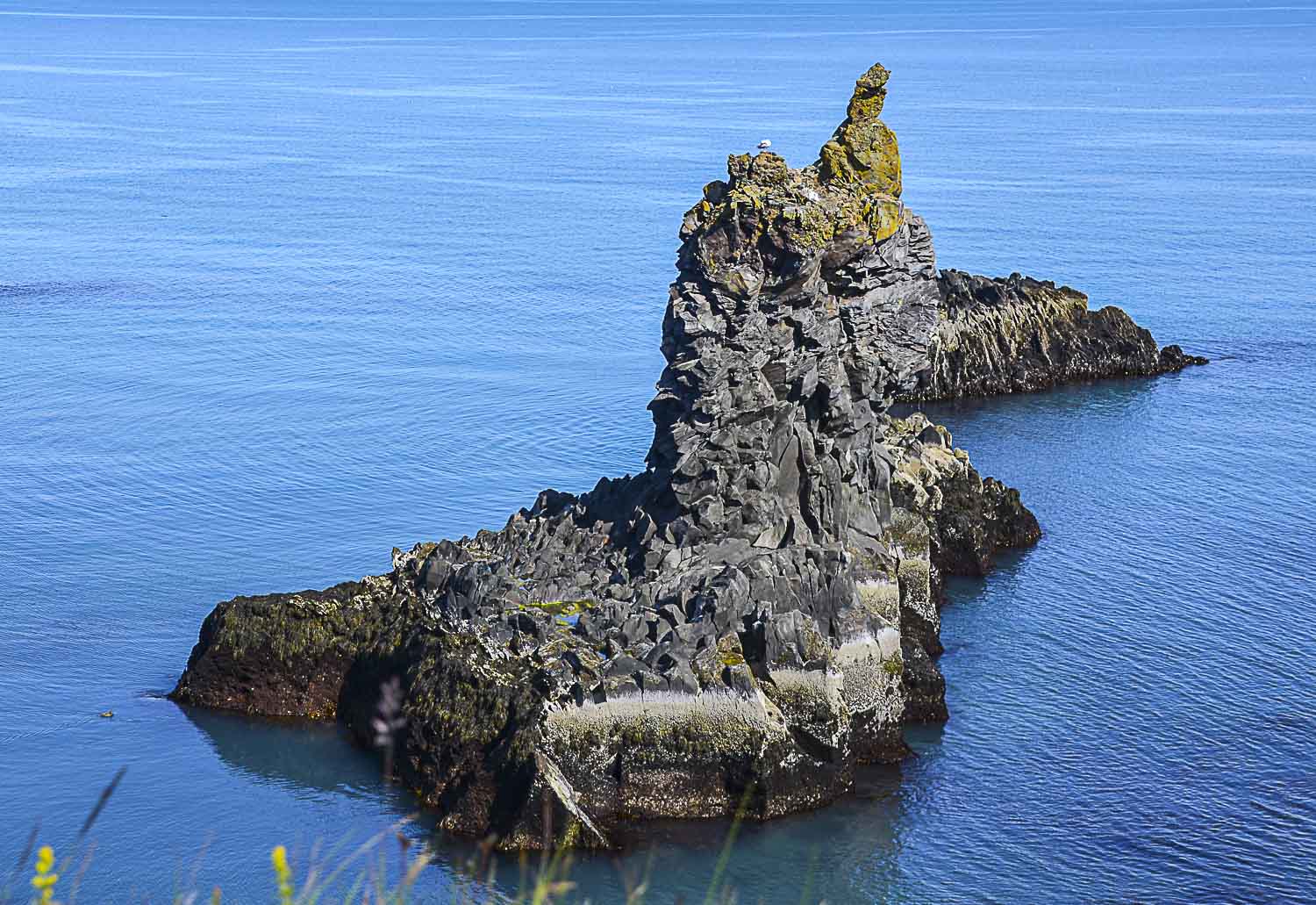
LACUSTRINE


For Debbies Six Word Saturday
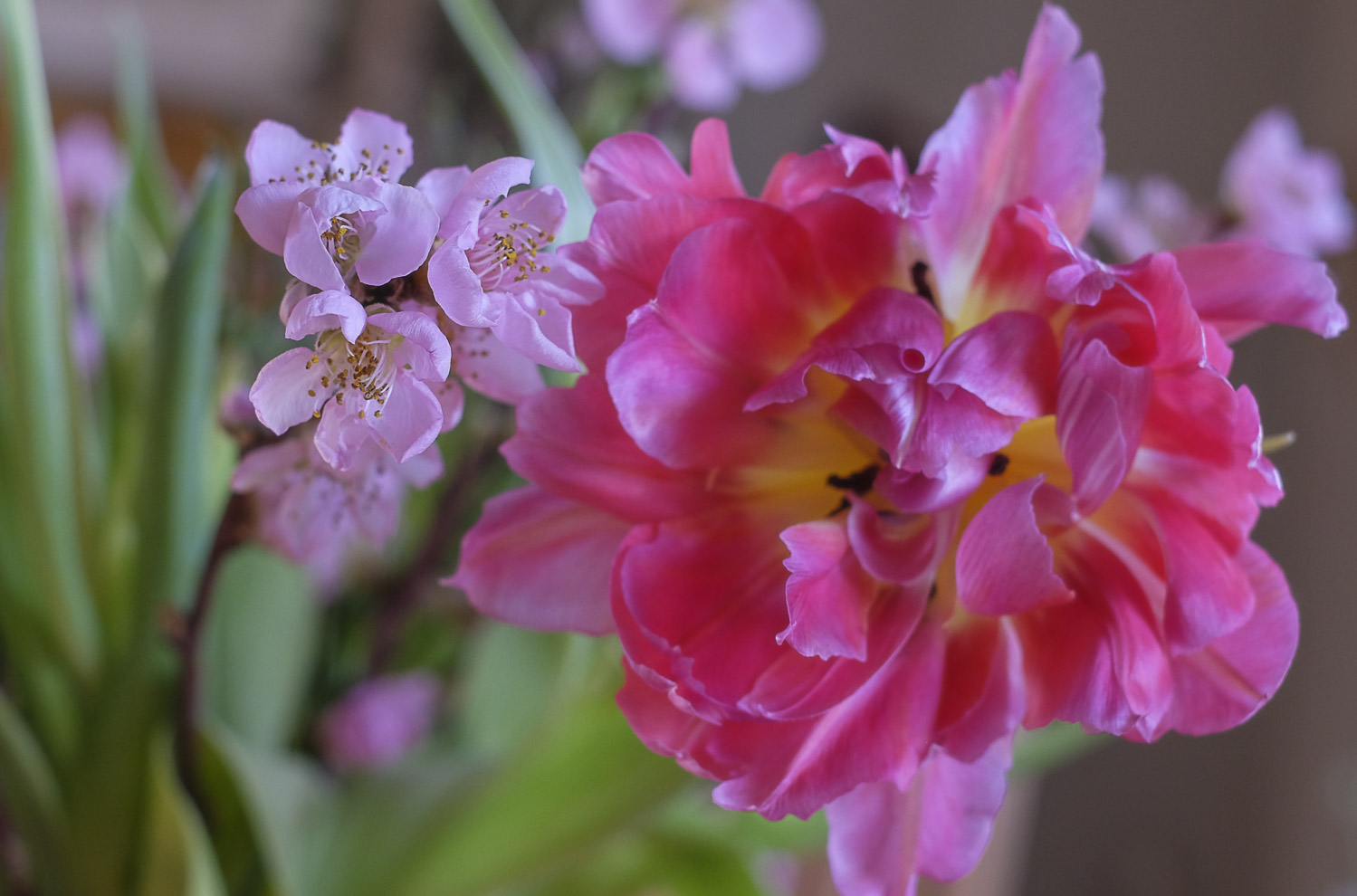
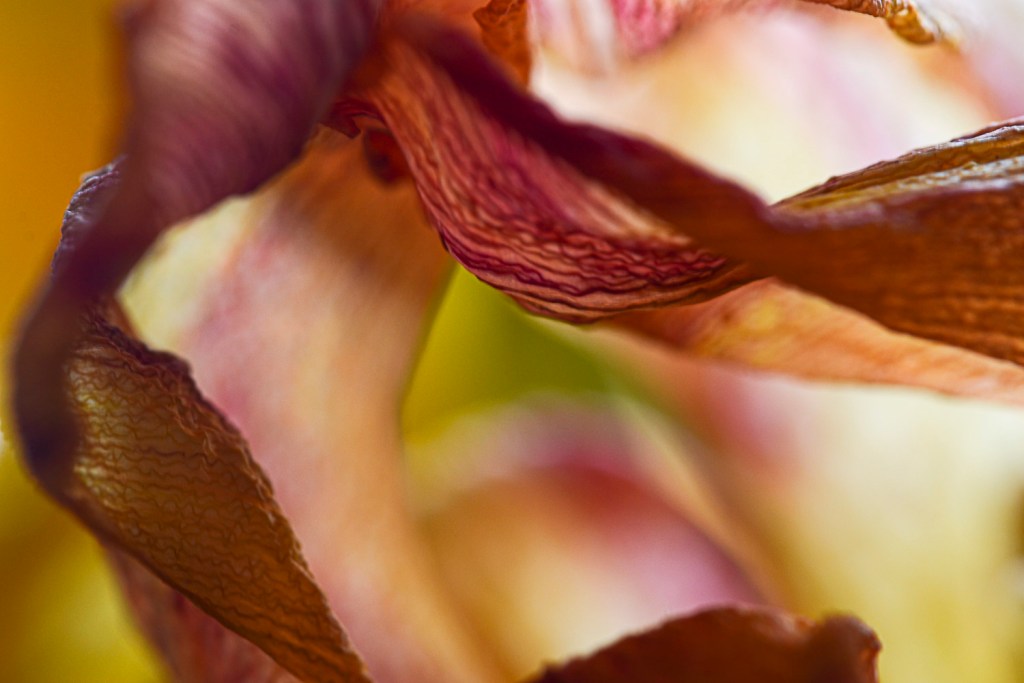
Grateful for a wonderful spring bouquet…

This week, we will look beyond the life-changing events and share some other special moments and what they mean to us, Tina says. I think we all have so many of them…It will be hard to choose, but I will try to pick some unforgettable ones …


The Pothala palace is representing the Dream-Come-True moments in my life. I have been so lucky as to have a few of those. So, I finally arrived in Tibet, after some 40 years since I read about Shangri-La in Lost Horizon, the 1933 novel by James Hilton, and saw the movie Lost Horizon from 1937. They represented the enigmatic and enchanting world out there…far away from my home and far away from any landscape I had ever been. I was lost for words – and breath – in the thin air.


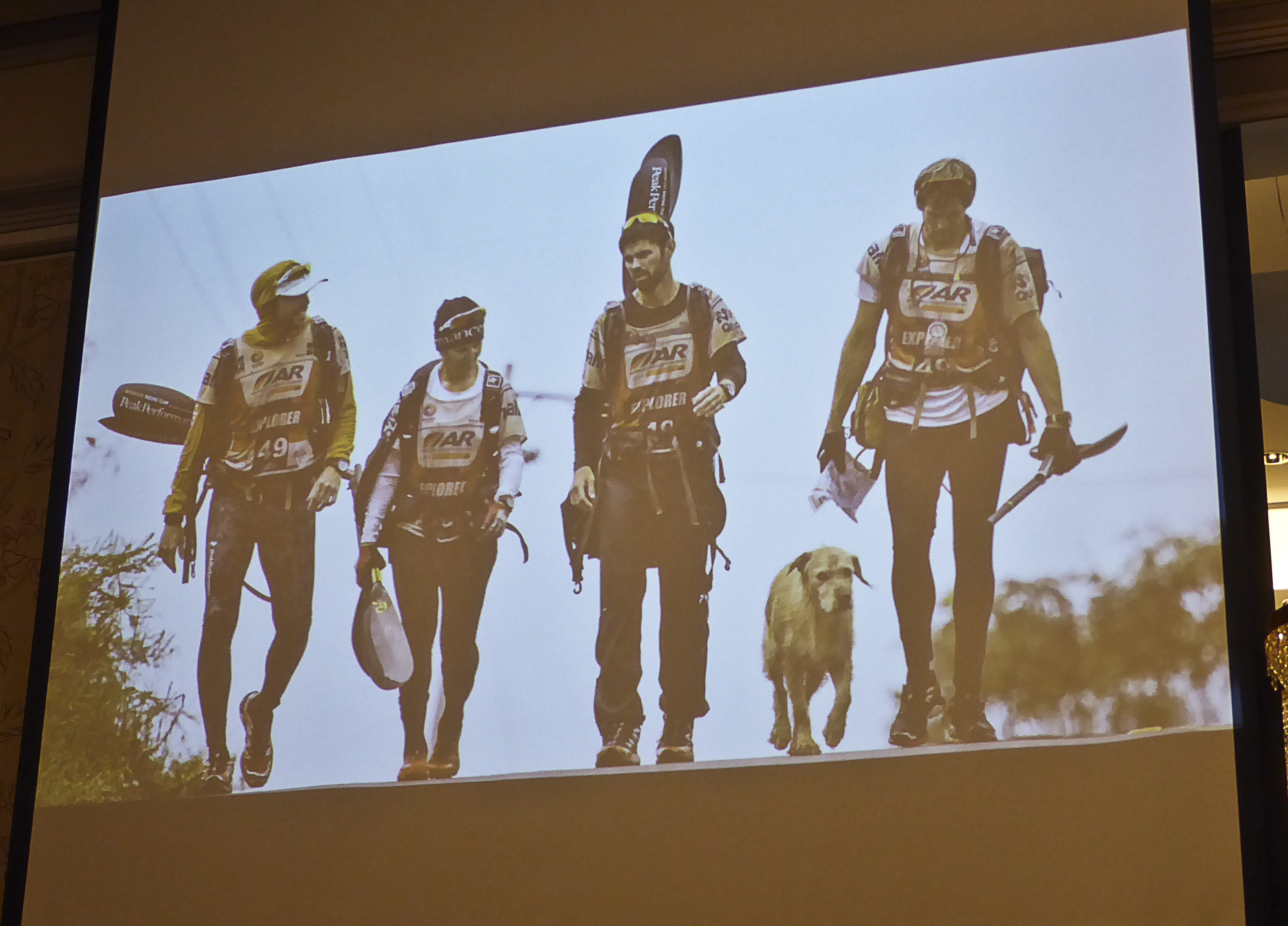

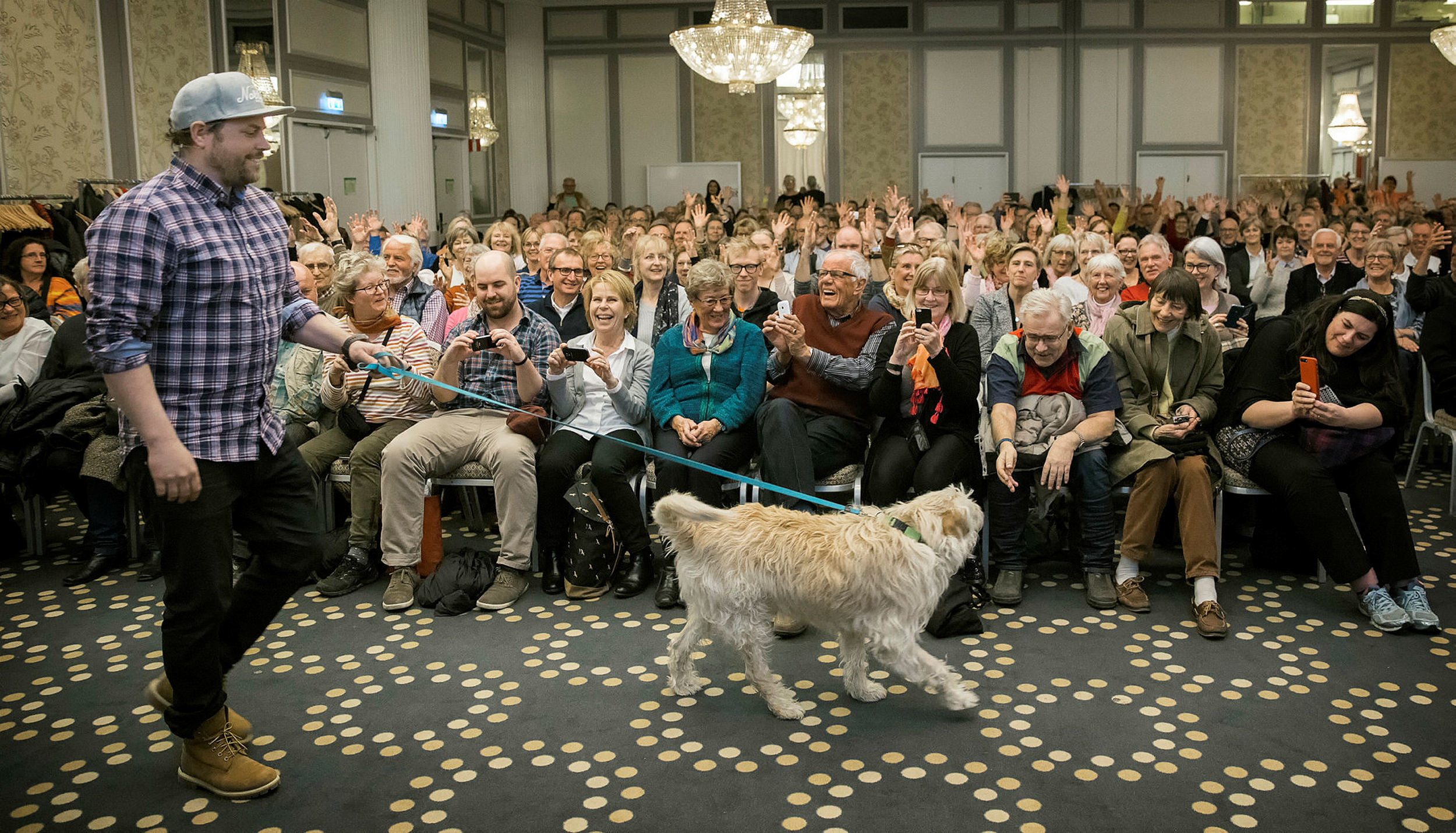
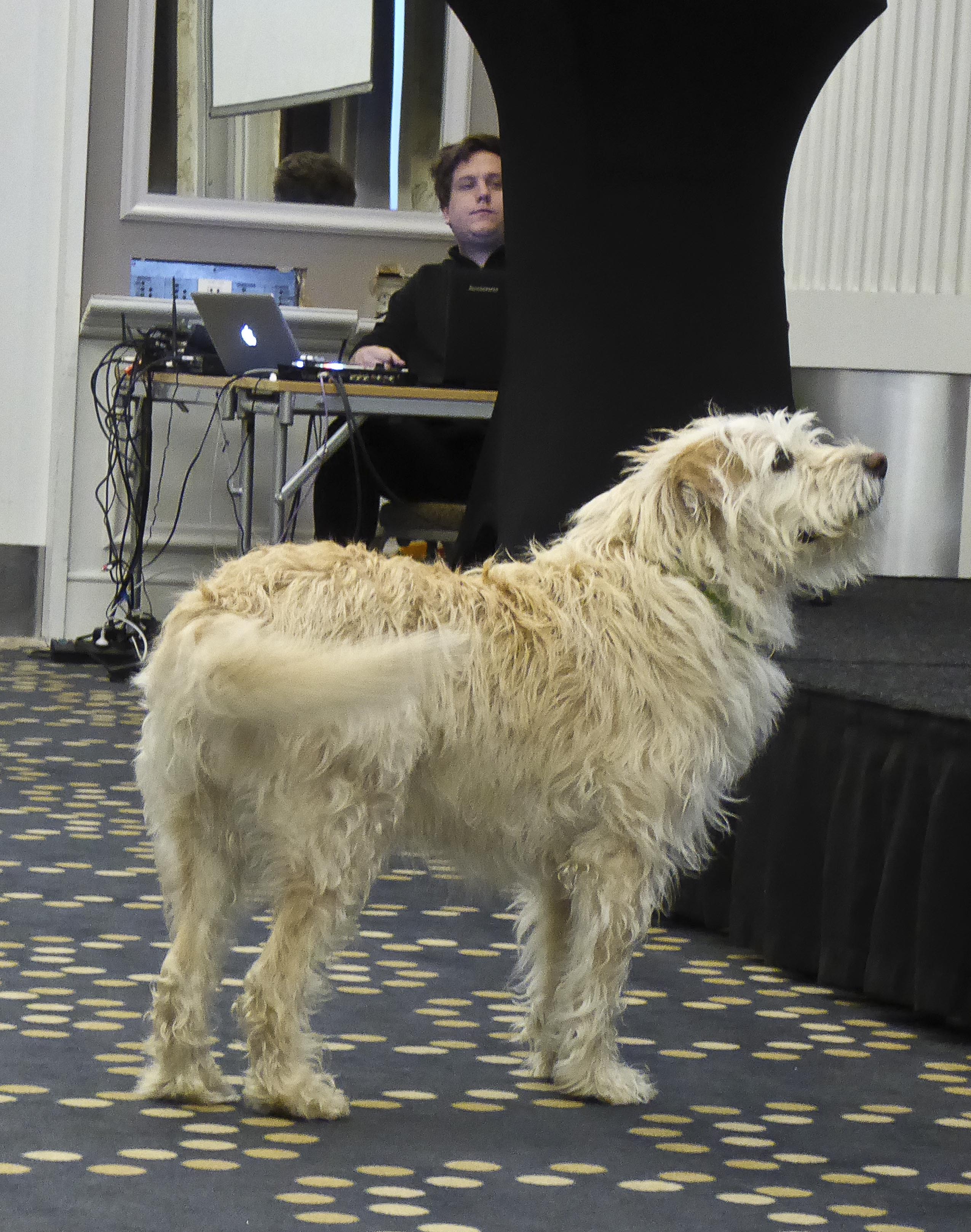
April 2017, and I met Michael Lindnord and Arthur. The Swedish multi sport team were in Ecuador 2014, trying to win the world championships. Instead the team leader, Mikael Lindnord, found that in the middle of the jungle, his team of four had got a fifth member…Arthur. Mikael had never had a dog of his own and never thought of getting one – he was a tough athlete and a determined leader for his team. But, all it took was one meatball…
King Arthur. He owned the place from the first second he entered the room. I loved every minute of being close to him, touching him and listening to their story. Seeing the very special bond between Mikael and Arthur.
Mikael himself says that Arthur stands for Hope. The Lindnord family have also started a fund for homeless dogs in Ecuador – There is hope for many ill treated and abused dogs with people like Mikael, who was prepared to even let go of his team’s victory to save this dog’s life. Mikael says he recognized himself in Arthur that very first day…they both stand tall, they never give up. So, how could he let Arthur down, when the dog put all his trust in him ?
December 9, 2020, Arthur passed away from an aggressive cancer, 13 years old. 2021 is the startup for shooting the Hollywood movie – ArthurThe King, with Mark Wahlberg starring together with a not yet chosen dog to play Arthur. I am looking forward to seeing it – hopefully cinemas will be open by then…
I can honestly say, that no other journey in my life gave me more special moments than the one to Arthur’s home country, Ecuador. Sailing along the Napo River in the Amazon and in the Galápagos Islands.
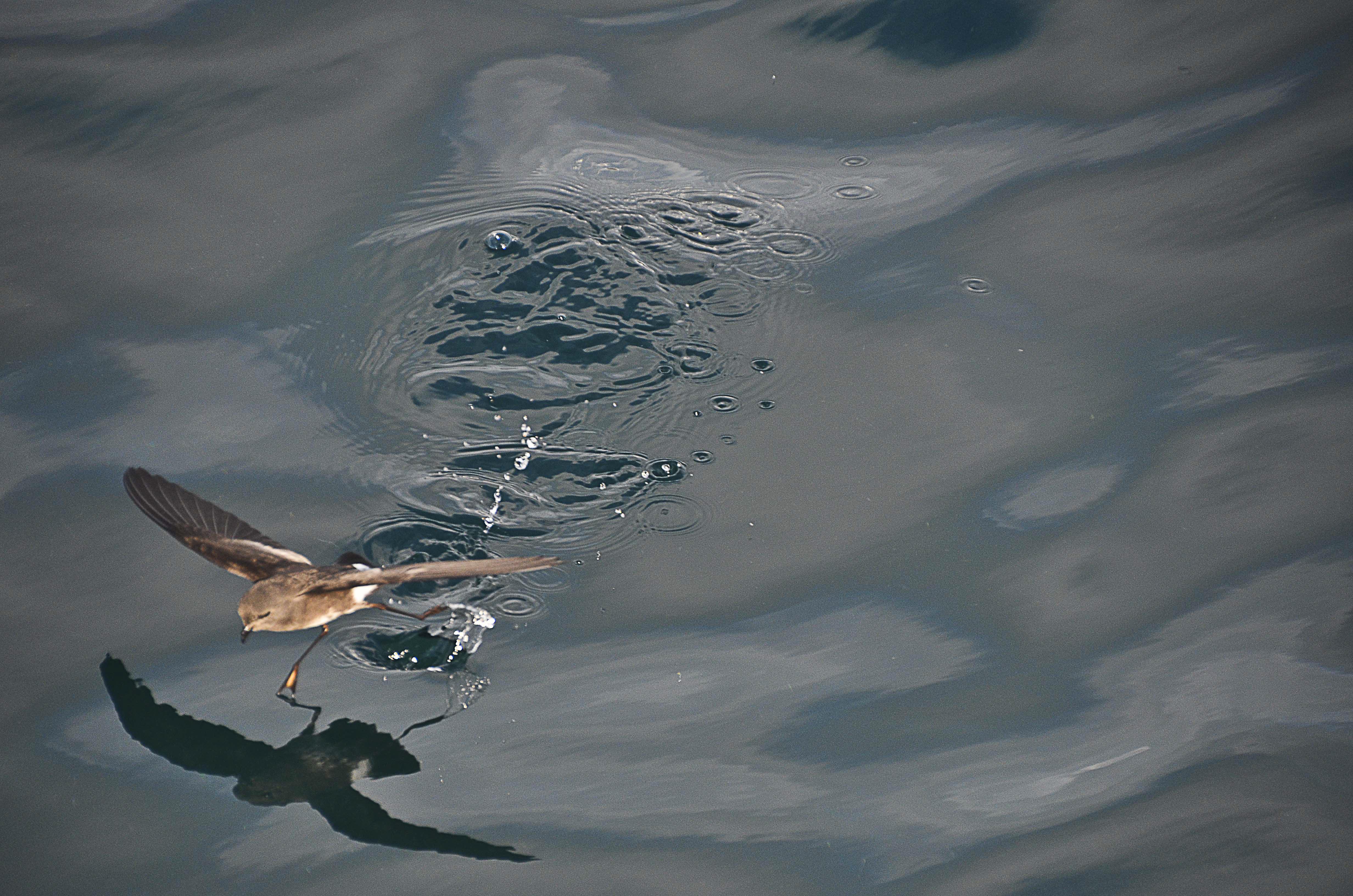
I could not stop watching them, all these little seabirds following our sailing boat in Ecuador. They could actually walk, run and stand still on the water! This is the smallest seabird in the world – an Elliot’s Storm-Petrel. Another enigmatic fact is that no nesting site for these birds has ever been found…
The stay at Sacha Lodge on a quiet lake – open to all the sounds of the jungle – still echoes in my mind today, 5 years later. Silent canoing through the tangled forest, watching swarms of monkeys foraging in the trees, jumping and playing. And the tiny Paradise Tanager – shooting veritable neon lightings in the trees – (I only managed to capture a couple of them in a photo) The first glimpse of the flock was very special – they moved faster than Chip ‘n’ Dale juggling around with the colourful Christmas baubles – and Pluto trying to handle the situation…


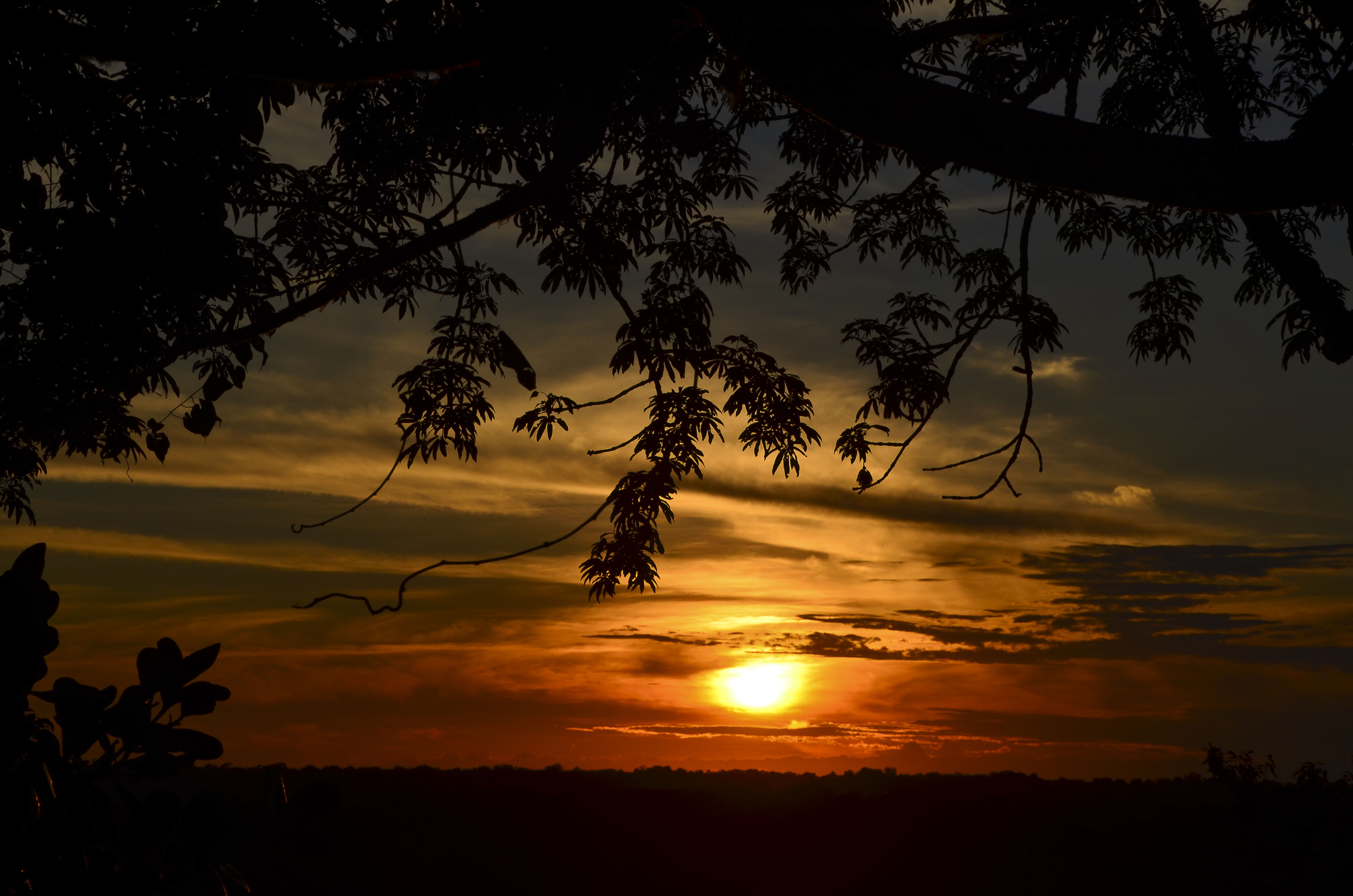

So, I will end with the late evening climb up in the Kapok tree, staying for the day’s last hours watching the sun set over the Amazon Basin. Imagine the sounds, the light, the soft warmth, the birds and the monkeys calling each other…I have never slept better in my entire life, than I did in the Amazon jungle.
Finally, a big Thank You for the inspirational set of Natural Lights, and hopefully you will join in for some special moments too! Please link to Tinas original post, and add the Lens-Artists tag.
Next week we’re excited to announce Beth of Wandering Dawgs as our Guest Host. Be sure to stop by and check out her always-interesting blog. Until then, stay safe and be kind.
For SixWordSaturday

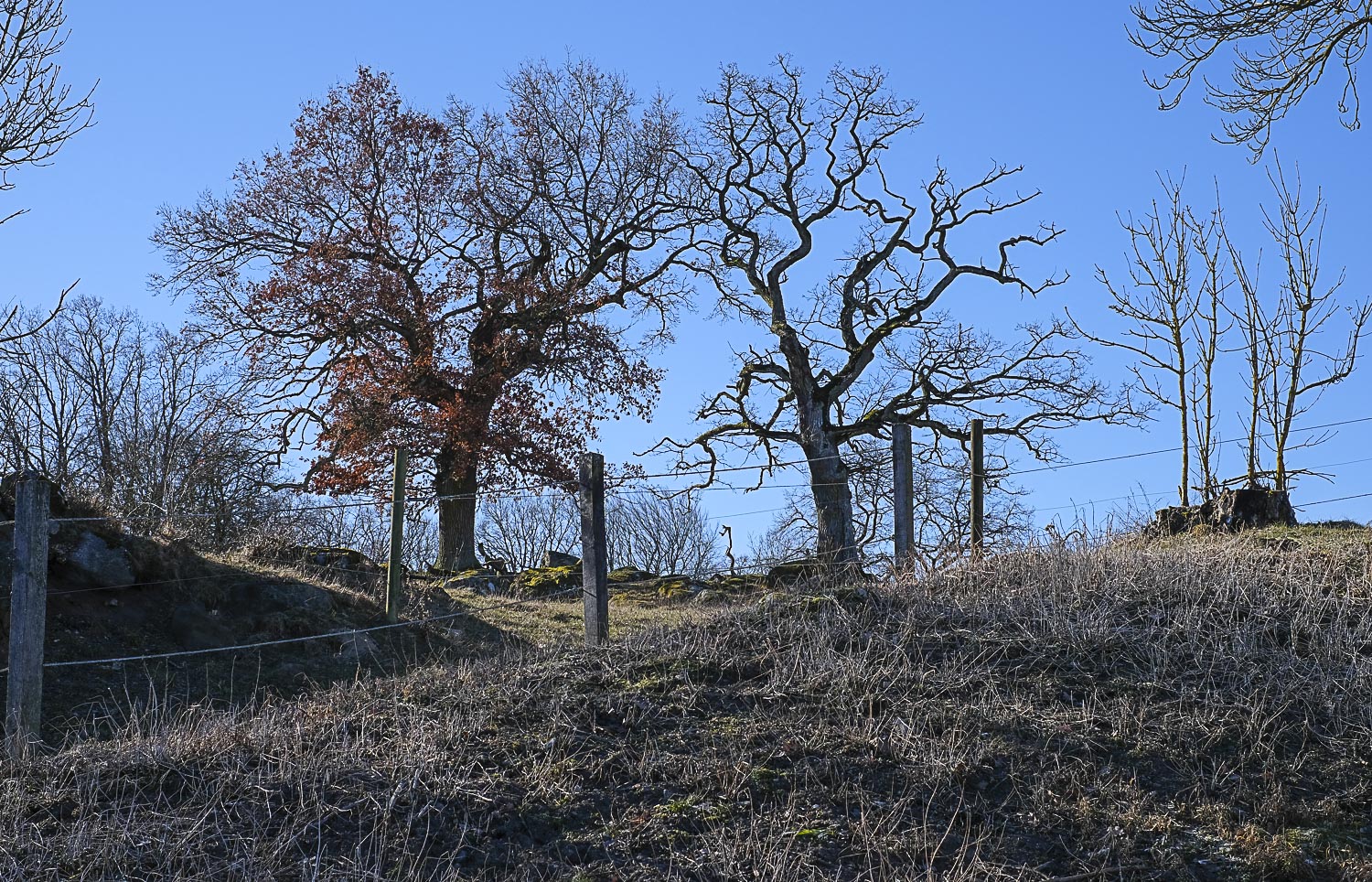
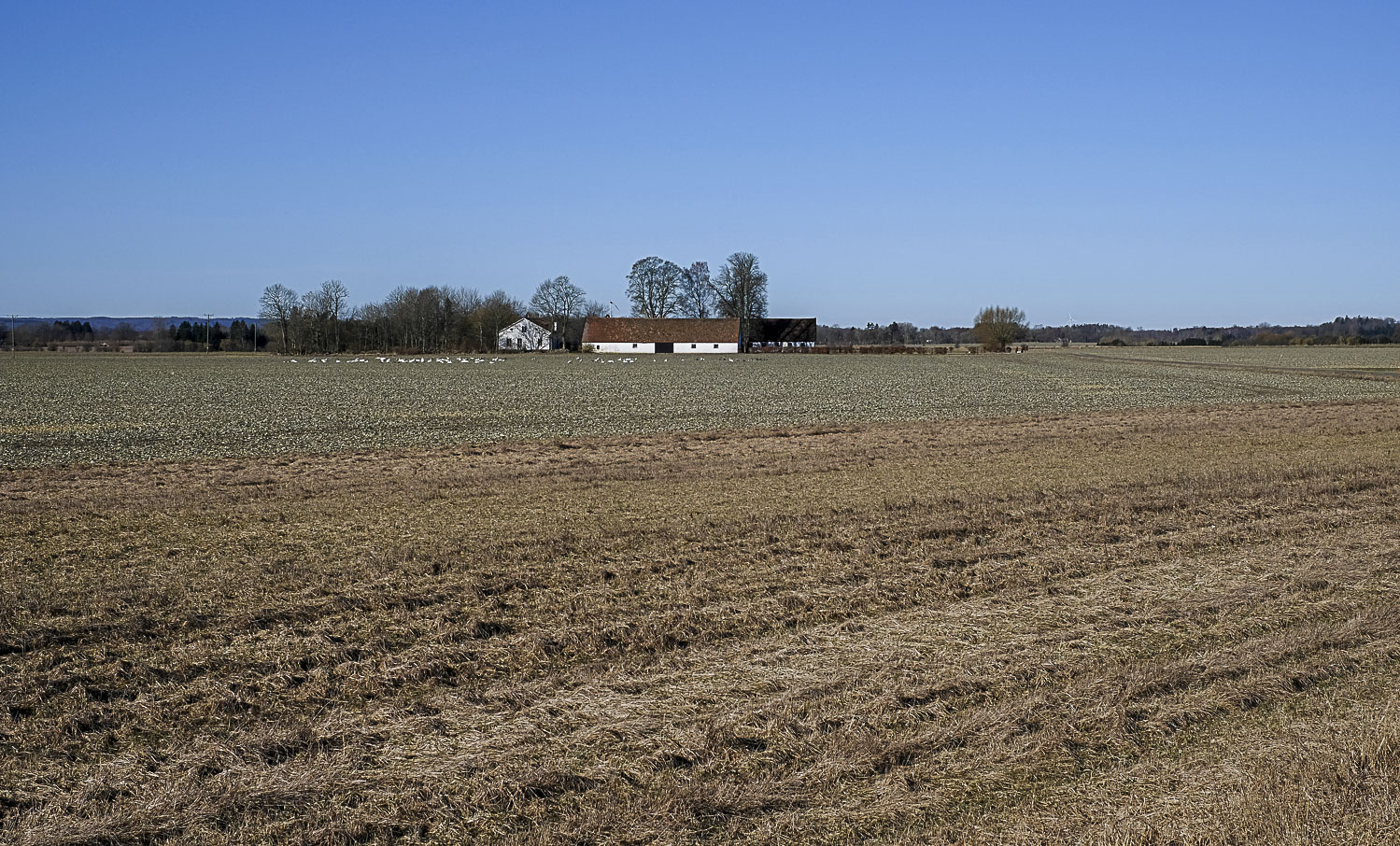
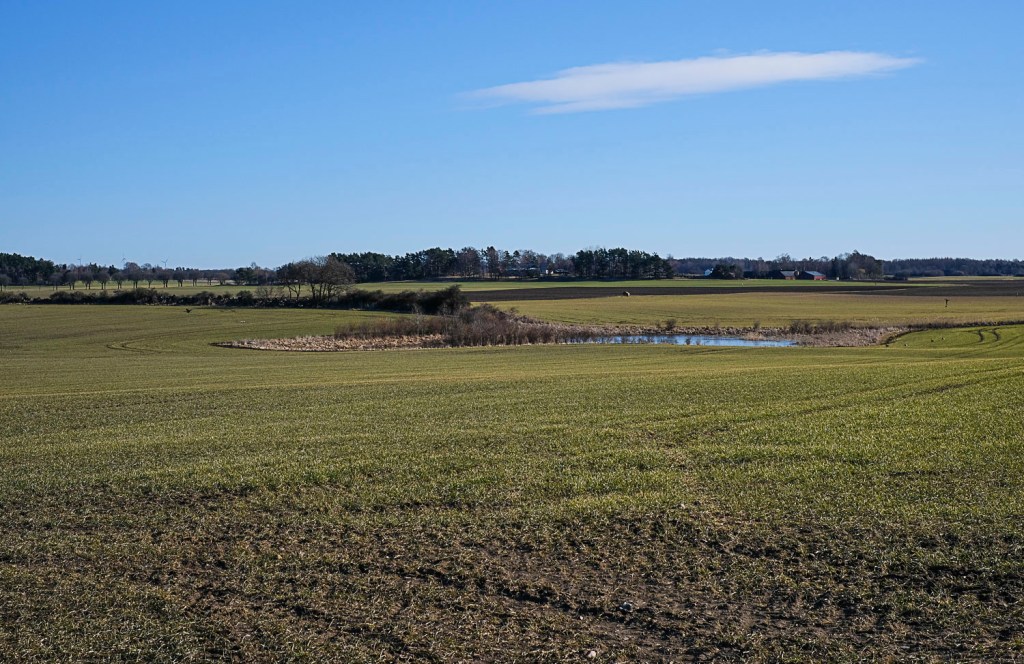
Another chilly day of clear skies – so, if you feel like it – you are welcome to join me for a short drive in the nearby countryside.
 Leya
Leya 
Du måste vara inloggad för att kunna skicka en kommentar.